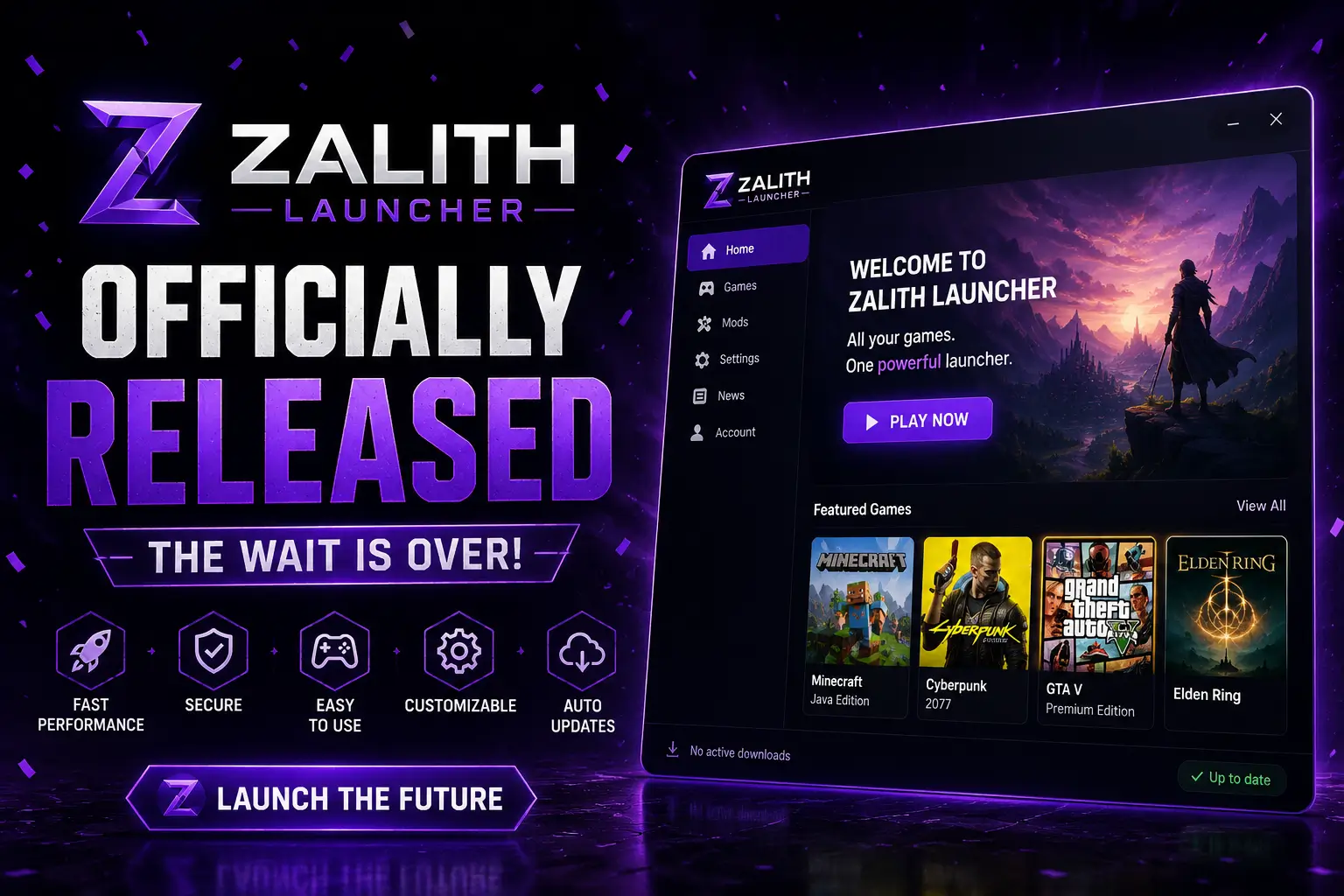
🎉 Zalith Launcher Officially Released —
The Wait Is Over!
After months of development and community beta testing — Zalith Launcher 2 is
officially live.
The most powerful free Minecraft Java launcher for Android is here for everyone.
Zalith Launcher 2 is now officially released — and it is the biggest moment in Android Minecraft modding history. After months of beta testing, community feedback and continuous development, the launcher is now publicly available to every Android player on the planet. No root. No cost. No complicated setup. Just Minecraft Java Edition — fully modded — right on your phone.
This post covers everything about the official launch — what Zalith Launcher 2 is, every feature included on day one, how to download and install it in under five minutes, and why it is the best Minecraft launcher available for Android right now.
📋 Official Release — At a Glance
Zalith Launcher 2 launches with full Minecraft Java Edition support, Fabric, Forge & NeoForge mod loaders, Java 17 / 21 / 25 runtime manager, Modrinth & CurseForge modpack installer, and MobileGlues shader rendering. Download the official APK from GitHub: ⚠️ Official Sources Only: Only download Zalith Launcher APKs from zalithlauncherapk.com . Third-party sites using the Zalith name are not affiliated with the official project and should not be trusted for APK downloads. releases
Download Zalith Launcher 2 — Official Release
The official release is live on GitHub right now. Choose the APK for your device architecture — arm64-v8a for most modern Android phones — download, and install in minutes. No data is lost. No settings are reset.
What Is Zalith Launcher 2?
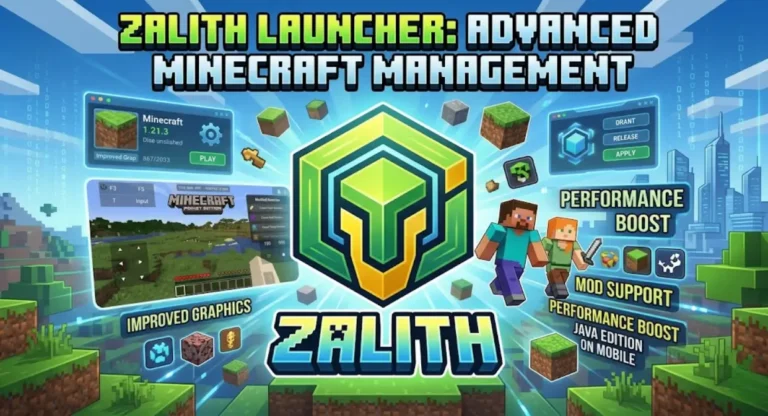
Zalith Launcher 2 is a free, open-source Android application that runs Minecraft Java Edition on your phone — complete with mods, shaders, and custom resource packs. It requires no root access, no PC, and no technical experience. It is built for Android players who want the full Java Edition modding experience without buying a gaming PC.
Previous Android Minecraft launchers like PojavLauncher and Boat Launcher either went unmaintained, lacked modern mod loader support, or couldn’t keep up with newer Minecraft versions. Zalith Launcher 2 was built specifically to fill that gap — actively developed, regularly updated, and designed to support everything from vanilla survival to 200-mod NeoForge packs on a mid-range Android phone.
What’s Included in the Official Release
Zalith Launcher 2 ships with a complete, production-ready feature set on day one. Here is everything you get the moment you install the official release.
Java Runtime Manager
Download and switch between Java 17, Java 21, and Java 25 directly inside the launcher — no separate app or manual install needed. Each Minecraft version profile can use a different Java version. Java 25 support future-proofs the launcher for upcoming Minecraft versions that will require it.
Fabric · Forge · NeoForge
All three major mod loaders are supported out of the box. NeoForge includes a dedicated compatibility layer that resolves mixin injection failures and class loading issues on Minecraft 1.21+ — the crash that broke NeoForge modpacks on older Android launchers is specifically fixed here.
MobileGlues Renderer
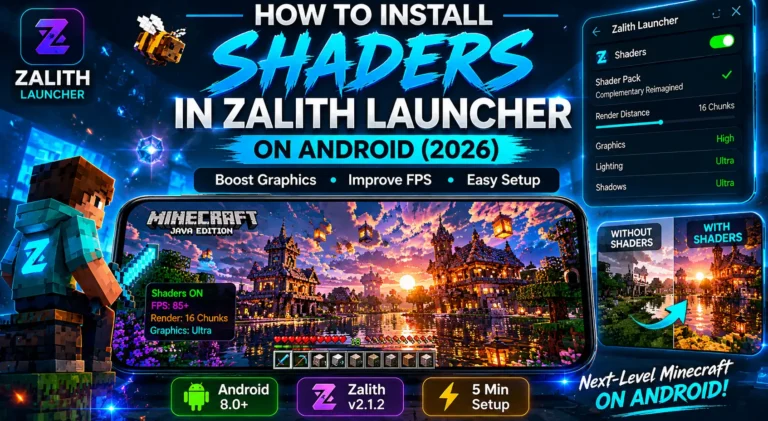
Zalith Launcher 2 uses the MobileGlues rendering backend to translate OpenGL calls to OpenGL-ES, enabling shader packs — Complementary, BSL, Iris — to run on Android. Adreno 730+ and Mali-G710 GPUs get the best experience, with significantly reduced graphical artifacts versus previous Android launchers.
Modrinth & CurseForge Installer
Browse, download, and install complete modpacks directly inside the launcher — no manual file management. The modpack installer handles nested dependency trees, auto-injects the correct Fabric API or Quilt API version, and verifies mod compatibility before installation begins.
Custom Touch Controls
A fully configurable on-screen control layout — joystick, action buttons, hotbar, camera — all adjustable in size and position. Gesture sensitivity thresholds are tuned for both standard and high-refresh-rate screens, with correct inventory drag behavior on 120Hz and 144Hz displays from day one.
40+ Languages via Weblate
The launcher ships with translations for 40+ languages contributed by the global community through the Zalith Weblate platform. Arabic, Bengali, Turkish, Polish, Ukrainian, and more are available at launch — making Zalith Launcher 2 accessible to Android players across every continent.
Official Release — Full Changelog
📋 Zalith Launcher 2 — v2.0 Official Release Notes
How to Install Zalith Launcher 2 — Step-by-Step
Installing Zalith Launcher 2 takes under five minutes. No technical knowledge required. Your existing worlds and mods are fully preserved throughout.
On your Android device, open your browser and navigate to https://zalithlauncherapk.com releases. The official release will be pinned at the top with a Latest tag.
Under the Assets section, select the APK matching your CPU architecture. Most Android phones from 2017 onward use arm64-v8a. If you are unsure, download the universal APK — it works on all devices and is only slightly larger.
On first install, Android will ask for permission to install apps from your browser or file manager. Tap Settings → Allow from this source. This is a standard Android security prompt — it only applies to this specific install action.
Tap the downloaded APK file — from your notification tray or Downloads folder. Android will show an install confirmation screen. Tap Install. The process takes about 30 seconds.
Open Zalith Launcher 2 and add your Microsoft account (the one linked to your Minecraft Java Edition licence) from Settings → Accounts. The login uses a secure OAuth2 browser flow — your password is never entered directly into the app.
Tap New Profile on the home screen, choose your Minecraft version and mod loader, and tap Download. Once ready, tap Play. First launch downloads required game files — after that, launching is instant.
Go to Settings → Java Runtime to download Java 21 or Java 25. For shaders, add Iris Shaders or OptiFine to your mods folder and select a shader pack from the in-game video settings menu. MobileGlues handles the rendering automatically.
.minecraft/saves/ and .minecraft/mods/ folders directly to Zalith Launcher 2’s game directory path (set in Settings → Game Directory). Your worlds, mods, and resource packs will appear immediately — no re-downloading required.Rad More: Zalith Launcher June 2026 Update —Faster, Smarter & More Powerful!
6 Reasons to Install Zalith Launcher 2 Today
Completely Free
No subscription, no premium tier, no ads. Zalith Launcher 2 is fully free and open-source under GPL v3 — forever.
Real Mod Support
Fabric, Forge, and NeoForge all work properly — including large modpacks with 100+ mods on Android devices with 4 GB RAM.
Shaders on Android
BSL, Complementary, and Iris shaders run on Android thanks to MobileGlues — something no other maintained Android launcher offers.
Secure by Default
OAuth2 Microsoft login, APK signature verification, and active security maintenance. Your account and device are protected from day one.
No Root Required
Works on any Android 8.0+ phone without root access — budget devices included. One APK install is all it takes.
Actively Updated
Regular releases with new features, bug fixes, and security patches. The in-launcher update banner tells you the moment a new version drops.
Frequently Asked Questions
✅ Conclusion — Zalith Launcher 2 Is Here
Zalith Launcher 2 is officially released — and it is the definitive Minecraft Java Edition launcher for Android. Completely free, open source, no root required, with full Fabric, Forge, and NeoForge support, a built-in modpack installer, Java 25 runtime, MobileGlues shader rendering, and active ongoing development backed by a global community. Download it in five minutes from GitHub. Your worlds, mods, and settings are waiting.