How to Install Shaders in Zalith Launcher on Android (2026)
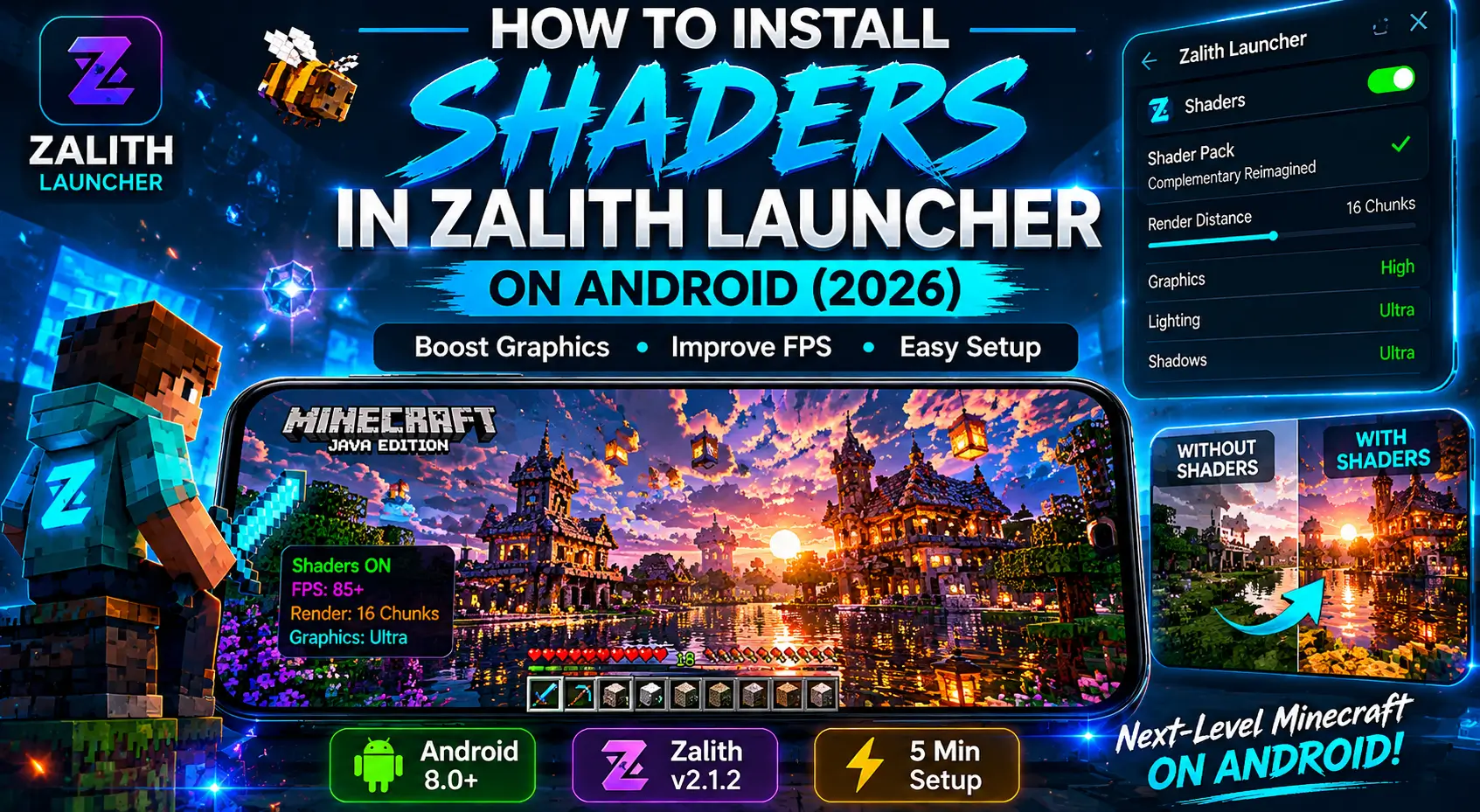
Want the best shader experience on Zalith Launcher? Choose lightweight shader packs for smoother performance, keep your launcher updated, and allocate enough RAM before launching Minecraft. This guide walks you through installation, setup, and optimization to help you achieve beautiful graphics without sacrificing FPS.
Shaders make Minecraft look absolutely stunning — with realistic lighting, reflections, shadows, and water effects. Zalith Launcher v2.1.2 makes it easy to install shaders on Android using Sodium/Iris or OptiFine. This guide will walk you through every step clearly so even beginners can follow along.
🌟 What Are Shaders in Minecraft?
Shaders are visual enhancement packs that replace Minecraft’s default graphics engine rendering with realistic lighting, dynamic shadows, water reflections, and atmospheric fog. On Android with Zalith Launcher, shaders run through Iris Shaders mod (recommended) or OptiFine.
Requirements Before You Start
Android Device
Android 8.0 or higher recommended
Zalith Launcher v2.1.2
Latest version installed on your device
Minecraft Java Account
Valid Mojang or Microsoft account
Free Storage
At least 500MB free space on device
Internet Connection
Stable internet for downloading files
RAM
Minimum 3GB RAM for shaders to run smoothly
Read More: Zalith Launcher APK > Best Latest Update 2026 for Minecraft
Method 1: Install Shaders Using Iris + Sodium (Recommended)
This is the best and most stable method for shaders on Zalith Launcher Android. Iris Shaders mod works with Fabric loader and gives excellent FPS performance.
- 1
Open Zalith Launcher on Your Android
Launch the Zalith Launcher app. Make sure you are on version 2.1.2 or later. Log in with your Minecraft account if not already done.
- 2
Create a New Profile with Fabric Loader
Tap on Add Instance or New Profile. Select your Minecraft version (1.20.x or 1.21.x recommended). Choose Fabric as your mod loader. Tap Create.
💡 Tip: Iris Shaders only works with Fabric loader, not Forge. - 3
Download Iris Shaders + Sodium Mod
Go to modrinth.com on your Android browser. Search for “Iris Shaders” and download the .jar file for your Minecraft version. Also download Sodium mod (required by Iris).
- 4
Add Mods to Zalith Launcher
In Zalith Launcher, open your Fabric profile. Go to the Mods section. Tap Add Mod and select the downloaded Iris and Sodium .jar files from your device storage.
- 5
Download a Shader Pack
Download any shader pack (.zip file) compatible with Iris. Recommended shaders for Android: Complementary Shaders, BSL Shaders, or Sildur’s Vibrant Shaders.
💡 Tip: Use “Lite” or “Low” version of shaders for better performance on mobile. - 6
Launch Minecraft and Apply Shaders
Start Minecraft through Zalith Launcher. Go to Options → Video Settings → Shader Packs. Tap Open Shader Pack Folder and place your downloaded shader .zip file there. Select the shader and tap Apply.
Method 2: Install Shaders Using OptiFine
OptiFine is another popular option for installing shaders. It works with older Minecraft versions very well (1.8 to 1.20). Here is how to use it in Zalith Launcher:
- Open Zalith Launcher and create a new profile. Select Minecraft version 1.20.1 and choose Forge as the mod loader.
- Download OptiFine from the official site optifine.net — select the version matching your Minecraft and Forge version.
- In Zalith Launcher, go to your Forge profile and open the Mods section. Add the OptiFine .jar file as a mod.
- Download a shader pack .zip file (BSL Shaders or Sildur’s work great with OptiFine).
- Launch the game, then go to Options → Video Settings → Shaders. Tap Shaders Folder and paste your shader pack there.
- Select your shader from the list and tap Done. Enjoy the visuals!
Best Shader Packs for Zalith Launcher Android (2026)
| Shader Name | Performance | Compatibility | Best For |
| Complementary Reimagined | ⚡⚡⚡ Medium | Iris + Fabric | Beautiful visuals, balanced FPS |
| BSL Shaders | ⚡⚡ High Load | OptiFine / Iris | Realistic lighting and shadows |
| Sildur’s Vibrant Shaders Lite | ⚡⚡⚡⚡ Light | OptiFine / Iris | Low-end Android devices |
| Chocapic13 Shaders | ⚡⚡⚡ Medium | OptiFine | Cinematic look, great for screenshots |
| Potato Shaders | ⚡⚡⚡⚡⚡ Very Light | Iris + Fabric | Weak devices, still looks great |
Performance Tips for Shaders on Android
Lower Render Distance
Set render distance to 6–8 chunks. This alone can double your FPS when shaders are active.
Allocate More RAM
In Zalith Launcher settings, allocate at least 2GB RAM to Minecraft for shader stability.
Close Background Apps
Close all other apps before launching. Free RAM means smoother shader performance.
Keep Device Cool
Shaders use heavy GPU power. Use your device in a cool environment to prevent thermal throttling.
Use Shader Quality Settings
Most shaders have Low / Medium / High presets inside Video Settings. Start on Low and adjust up.
Plug In Your Charger
Battery saver mode limits CPU/GPU. Always play with charger connected for full performance.
Common Problems and Fixes
- ❌ Shaders option not showing in Video SettingsFix: Make sure Iris Shaders mod or OptiFine is correctly added to your profile mods. Check that the mod version matches your Minecraft and loader version exactly.
- ❌ Game crashes when enabling shadersFix: Increase RAM allocation in Zalith Launcher settings to at least 2GB. Also try using a lighter shader pack like Sildur’s Lite or Potato Shaders.
- ❌ Very low FPS with shaders activeFix: Lower render distance to 6 chunks, switch to the “Low” quality preset in shader settings, and make sure no background apps are running.
- ❌ Black screen or pink/purple world after enabling shadersFix: This means the shader pack is incompatible with your mod loader or version. Download the correct version of the shader for your Minecraft version from the official source.
- ❌ Shader folder is empty or not foundFix: Launch Minecraft at least once with the mods active. The shaderpacks folder will be created automatically inside your Minecraft game directory.
Frequently Asked Questions
Conclusion
Now Your Minecraft Looks Amazing on Android! 🎮
Installing shaders in Zalith Launcher on Android is easier than most people think. With Iris Shaders + Sodium on Fabric, you get the best performance and stunning visuals on any Android device. Just follow the steps, pick the right shader for your phone, and enjoy Minecraft Java Edition like never before.
⬇️ Download Zalith Launcher