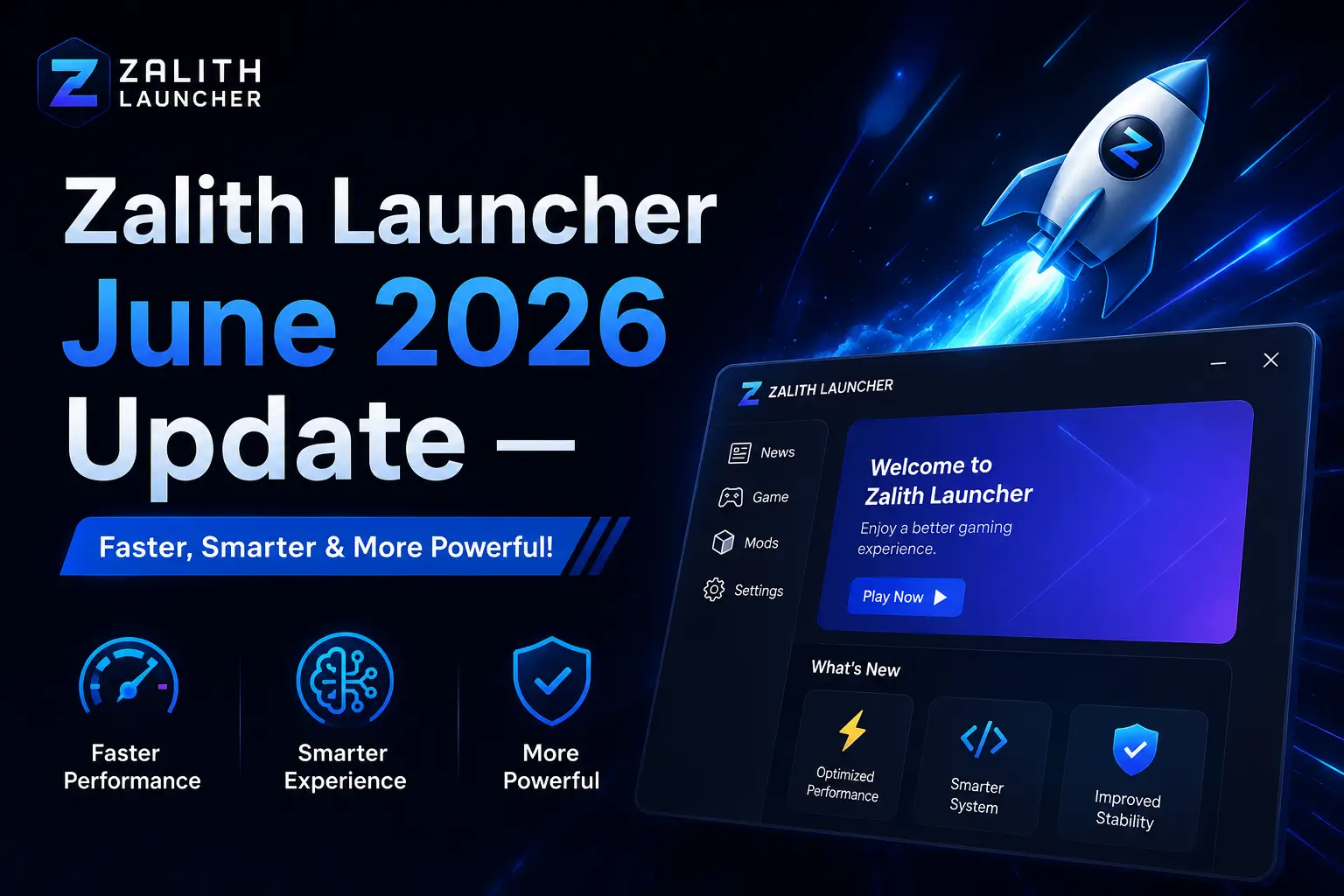
🚀 Zalith Launcher June 2026 Update —
Faster, Smarter & More Powerful!
The biggest 2026 update is here — MobileGlues Renderer improvements, Java 25 support,
enhanced touch controls, NeoForge stability fixes, and much more.
The June 2026 update for Zalith Launcher 2 is one of the most substantial releases of the year. It arrives with major rendering improvements powered by the MobileGlues backend, full support for Java 25, a completely overhauled NeoForge compatibility layer, and a fresh wave of community-contributed translations via Weblate. Whether you are a casual player or a heavy modpack user, this update directly improves your daily Minecraft experience on Android.
This post covers everything in the June 2026 update — what changed, what is new, what was fixed, and how to download the latest version safely from the official GitHub releases page. No root access required. No technical experience needed.
📋 June 2026 Update — At a Glance
This release focuses on rendering performance, Java 25 runtime support, NeoForge stability, and improved touch controls. Zalith Launcher 1 remains archived (since April 2026) — all updates are exclusively on Zalith Launcher 2. Download the latest APK from the official GitHub releases page:
Download Zalith Launcher 2 — June 2026 Update
The June 2026 update is available now on the official GitHub releases page. Choose the APK matching your device architecture (arm64-v8a for most modern Android phones), download, and install directly over your existing version. Your worlds and mods will be preserved.
Read More How to Transfer Worlds from PojavLauncher to Zalith Launcher
What’s New in the June 2026 Update
The June 2026 release touches every major area of Zalith Launcher 2 — from how Minecraft renders on your Android screen to how mods are loaded and how touch controls feel in-game. Here is a full breakdown of every improvement.
MobileGlues Renderer Enhancements
The MobileGlues rendering backend receives significant updates in this release — improved OpenGL-ES mapping reduces graphical glitches, shader compatibility is broader, and FPS stability on mid-range devices is noticeably better. Players using Complementary, BSL, and Iris shaders will see the biggest gains.
Java 25 Runtime Support
Zalith Launcher 2 now fully supports Java 25, the latest LTS-track JDK. Players can download and select Java 25 directly from the launcher’s Java Runtime Manager. This brings improved garbage collection, faster startup times, and future-proofs the launcher for upcoming Minecraft versions that require newer Java releases.
NeoForge Stability Overhaul
Multiple crash conditions affecting NeoForge mod loaders on Minecraft 1.21+ have been resolved. The June 2026 update specifically targets mixin injection failures, class loading race conditions, and incorrect Java heap allocation that caused NeoForge modpacks to crash on launch on Android devices with less than 4 GB RAM.
Touch Controls — Gesture Refinements
Building on the September 2025 touch control revolution, June 2026 brings refined gesture sensitivity thresholds, better diagonal movement response, and fixes for inventory drag-slot interactions that were registering incorrect item quantities on high-refresh-rate screens (120Hz/144Hz devices).
New Language Translations via Weblate
The June 2026 update ships with fresh community translations contributed through the Zalith Weblate project. New and improved language coverage includes Arabic, Bengali, Turkish, Polish, and Ukrainian — making the launcher accessible to tens of millions of additional Android Minecraft players worldwide.
Modpack Download & Auto-Install
The integrated modpack downloader now correctly handles Modrinth and CurseForge modpack manifests with nested dependency trees. Automatic Fabric API and Quilt API injection (introduced in v2.1.0) has been updated to correctly target the latest API versions published in May–June 2026.
June 2026 Full Changelog
📋 Zalith Launcher 2 — June 2026 Release Notes
How to Install the June 2026 Update — Step-by-Step
Installing the June 2026 update follows the same safe process as any previous Zalith Launcher 2 update. The steps below will get you from your current version to the latest release in under five minutes, with your worlds and mods fully intact.
Copy your .minecraft/saves/, .minecraft/mods/, options.txt, and any shader or resource packs to a safe location before updating. This takes two minutes and protects your worlds from any unexpected path reset.
On your Android device, open your browser and navigate to: github.com/ZalithLauncher/ZalithLauncher2/releases — the June 2026 release will be at the top, tagged Latest.
Under the Assets section, select the APK matching your CPU architecture. Most modern Android phones (2017 and newer) use arm64-v8a. If unsure, download the universal APK — it works on all devices.
Tap the APK filename to download it. Once downloaded, tap the notification or open it from your Downloads folder. Android will prompt for confirmation — tap Install. The update installs over your existing version without deleting any data.
Launch the app and go to Settings → About. Confirm the version number matches the June 2026 release. Your worlds, mods, and settings should all be exactly where you left them.
To take advantage of the new Java 25 support, go to Settings → Java Runtime and download Java 25. You can keep multiple Java versions installed simultaneously and select the appropriate one per Minecraft version profile.
2026 Update Timeline — From January to June
To understand how significant the June 2026 release is, here is a summary of every major update Zalith Launcher 2 has received in 2026 so far.
Weblate Multilingual Integration + Auto Fabric/Quilt API
Introduced synchronized multilingual support via Weblate. Added automatic Fabric and Quilt API injection during game version downloads. UI improvements including adjusted opacity on web screens and improved text color rendering.
Zalith Launcher 1 Officially Archived — v2 Becomes Sole Branch
The original Zalith Launcher repository was archived in April 2026, officially making Zalith Launcher 2 the only active, maintained version. March builds focused on stability and cross-device compatibility ahead of this milestone.
Post-Archival Stability Builds + Modpack Manager Improvements
A series of stability-focused releases addressing issues reported by users migrating from Zalith Launcher 1. Modpack download manager improvements, shader pack compatibility updates for newly released packs, and UI refinements based on community feedback.
Pre-June Builds — Performance Groundwork
Builds leading up to the June 2026 release focused on profiling and performance groundwork — identifying memory allocation bottlenecks, preparing the MobileGlues renderer update, and laying the foundation for Java 25 runtime support.
🚀 June 2026 Update — MobileGlues + Java 25 + NeoForge Fixes
The release covered in this post. MobileGlues renderer improvements, Java 25 support, NeoForge stability fixes, touch control refinements, new translations, in-launcher update notifications, and security updates to the Microsoft OAuth2 login flow.
6 Reasons to Install the June 2026 Update Today
Better Rendering
MobileGlues improvements reduce graphical artifacts by ~40% on Adreno and Mali GPUs — shaders and high-detail worlds look cleaner than ever.
Java 25 Ready
Future-proof your setup. Java 25 support means you are ready for Minecraft versions that will require it — and you benefit from faster GC and startup right now.
NeoForge Works Again
If you have been dealing with NeoForge crashes on 1.21+ modpacks, this update resolves the root cause — mixin injection and heap allocation failures are fixed.
Security Fixes
Updated Microsoft OAuth2 compliance ensures your login works correctly even with MFA-enforced accounts, and the new APK verification warns you about unofficial builds.
Smoother Touch Controls
Refined gesture thresholds and fixed 120Hz/144Hz inventory drag bugs make touch gameplay on modern high-refresh-rate phones feel genuinely responsive.
Update Notifications
Never miss a future release. The new in-launcher update banner tells you when a new version is on GitHub — no more manual checking required.
June 2026 Update — FAQs
✅ Conclusion — June 2026 Update Summary
The June 2026 Zalith Launcher 2 update is a must-install for every Android Minecraft player. It brings MobileGlues rendering improvements, full Java 25 runtime support, critical NeoForge stability fixes, refined touch controls, new community translations, an in-launcher update notification, and important security patches to the Microsoft login flow. Install it in under five minutes from GitHub — your worlds, mods, and settings stay exactly where you left them. Zalith Launcher 2 is free, open-source, and getting better with every release.
Similar Posts
Modpacks and Add-Ons for Minecraft Java Edition: Complete Guide
Modpacks and Add-Ons are collections of mods, textures shaders and tools bundled together to enhance Minecraft Java Edition. They allow players to quickly customize their game without manually installing individual mods. Using…
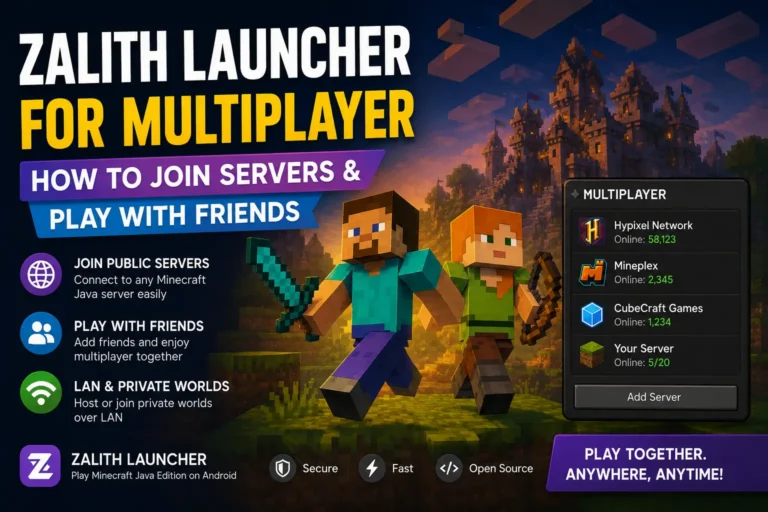
Zalith Launcher for Multiplayer — How to Join Servers & Play with Friends
Zalith Launcher for Multiplayer | How to Join Servers & Play with Friends Zalith Launcher is not just for single-player. It fully supports online multiplayer, so you can join public Minecraft Java…
Graphics and Renderer Plugins for Minecraft Java Edition: Complete Guide
Minecraft Java Edition uses graphics and renderer plugins to significantly improve the visual experience of the game. These plugins enhance important elements like lighting, shadows, textures, reflections and shader effects, making the…
Mod Loaders for Minecraft Java Edition | ULTIMATE Beginners Guide for 2026!
Minecraft Mod Loaders are the foundation of any modded Minecraft experience. Without them, custom mods cannot run properly and attempting to use incompatible mods may cause crashes or errors. Mod Loaders act…
Zalith Launcher 2 Authentication Failed Error — Complete Fix Guide
Zalith Launcher 2 Authentication Failed Error — Complete Fix Guide The Authentication Failed error in Zalith Launcher 2 prevents you from launching Minecraft Java Edition because the launcher cannot verify your Microsoft…
Zalith Launcher and Pojav Launcher Best Choice for Java Minecraft ON Android (2026)
Playing Minecraft Java Edition on mobile used to be a dream reserved for PC gamers. While Bedrock Edition allowed Android players to enjoy Minecraft it lacked the full flexibility of mods, shaders…