Is Zalith Launcher Safe? Is It Legal? Complete Guide (2026)
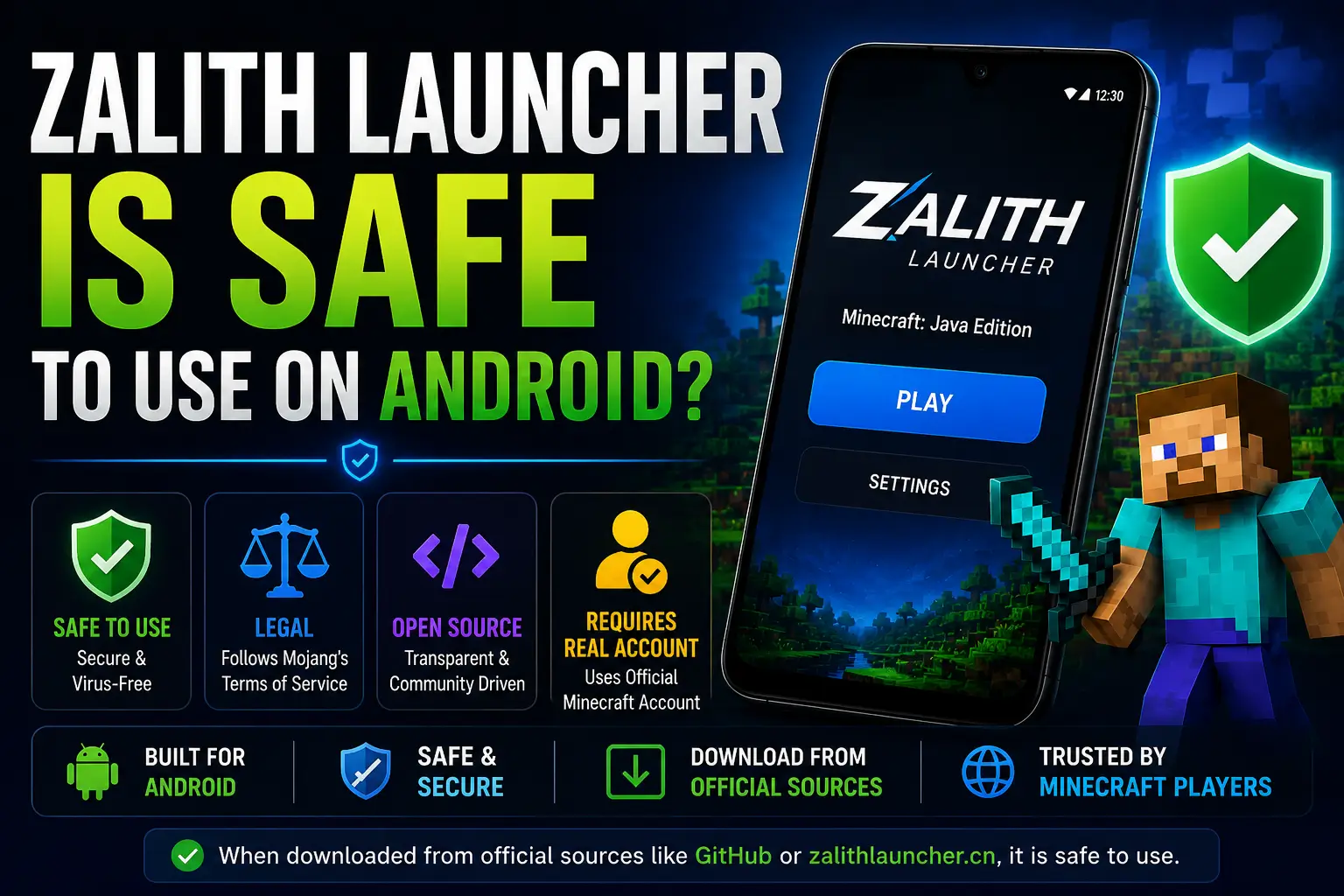
Wondering if Zalith Launcher is safe to use on Android? The short answer: Yes — when downloaded from official sources like GitHub or zalithlauncher.cn. It is open-source, follows Mojang’s terms, and requires a real Minecraft account. This guide covers everything about its safety, legality, risks, and how to protect yourself.
Safe to Use
When downloaded from official GitHub or zalithlauncher.cn only
Legally Allowed
Mojang permits third-party launchers if you own a valid account
Open Source
GPL-3.0 licensed — anyone can inspect every line of code
Risks Exist
Fake/clone versions and unofficial download sites are dangerous
🔍 What Exactly Is Zalith Launcher?
Zalith Launcher is an open-source Minecraft launcher developed by MovTery and the Zalith Team. It is built on top of PojavLauncher — one of the most popular Minecraft Java Edition launchers for Android — and significantly improves its user interface, performance, and feature set. Its goal is to bring the full Minecraft Java Edition experience to Android devices, including mods, shaders, multiplayer servers, and resource packs.
🏗️ Developer
MovTery and the Zalith Team — an independent open-source community, not affiliated with Mojang or Microsoft.
📦 Based On
Built on PojavLauncher’s codebase (which is based on Boardwalk). Modernized with a fresh Material Design UI.
📜 License
GPL-3.0 open-source license. Source code is fully public on GitHub for anyone to audit or contribute.
🌐 Official Site
zalithlauncher.cn (NOT .com — that is a fake site not affiliated with the real team).
Is Zalith Launcher Legal?
Zalith Launcher exists in a nuanced legal space. It is not illegal to use, but there are important conditions that determine whether your use is within Mojang’s Terms of Service or not. Here is the full breakdown:
✅ What Makes It Legal
- Mojang officially allows third-party launchers as long as you own the game
- Zalith requires a valid Microsoft/Mojang account login — it does not bypass authentication
- It does not crack, pirate, or redistribute Minecraft game files
- It is open-source (GPL-3.0), meaning full code transparency
- It does not modify Mojang’s servers or cheat online systems
- The launcher simply bridges Java Edition to run on Android hardware
❌ When It Becomes Illegal / Against ToS
- If you use it to play Minecraft without owning a paid account (cracked mode)
- If you download a fake/cloned version that bypasses account authentication
- Joining servers using offline/cracked accounts violates most server rules
- Redistributing Minecraft files through unofficial channels is prohibited
- Using modified versions with auto-click or aim hacks violates ToS
⚖️ The Bottom Line on Legality
If you own a legitimate Minecraft Java Edition account and download Zalith only from the official GitHub or zalithlauncher.cn, using Zalith Launcher is completely legal and within Mojang’s Terms of Service. The launcher is a tool, not a piracy app — your behavior determines legality.
Is Zalith Launcher Safe? A Full Security Analysis
Safety depends on where you download it from and how you use it. Let’s break down every security aspect clearly:
- SAFE
Open Source Code — Fully Auditable
Zalith Launcher’s complete source code is publicly available on GitHub under the GPL-3.0 license. Any developer in the world can inspect every line for malware, trackers, or backdoors. This level of transparency is far safer than most commercial apps that hide their code.
- SAFE
Uses Official Microsoft Authentication
Zalith Launcher uses Mojang’s official Microsoft login system. It does not store your password — authentication happens through Microsoft’s secure OAuth system, the same method used by the official Minecraft Launcher.
- SAFE
No Personal Data Collection
Both Zalith Launcher and PojavLauncher do not collect users’ personal data. Since the code is open-source, this claim can be verified directly. There are no hidden analytics, ad trackers, or data harvesting scripts in the official build.
- CAUTION
Official Domain Confusion — .cn vs .com
The real official website is zalithlauncher.cn — NOT zalithlauncher.com. The .com site is a fake, unaffiliated clone. The Zalith team officially warns: “We do not participate in, accept, or trust that site!” Always verify the domain before downloading.
- RISK
Fake/Cloned APKs on Unofficial Sites
Dozens of third-party websites distribute modified versions of Zalith Launcher APKs that may contain malware, spyware, or account stealers. Downloading from any site other than the official GitHub repository or zalithlauncher.cn puts your device and accounts at serious risk.
- CAUTION
Microsoft Account Security on Third-Party Apps
While the official Zalith Launcher is trustworthy, logging into any third-party app with your Microsoft account always carries a slight risk. As an extra precaution, consider enabling Two-Factor Authentication (2FA) on your Microsoft account before using any third-party launcher.
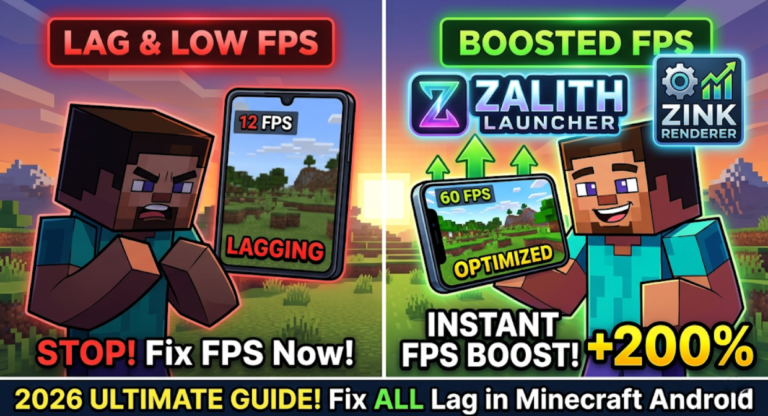
Read More: Zalith Launcher Zink Renderer Guide 2026 Improve FPS And Fix Lag In Minecraft Android
Safe Download Sources — Official vs Fake
| Download Source | Safety Status | Official? | Notes |
|---|---|---|---|
| github.com/ZalithLauncher | ✅ SAFE | ✅ Yes — Official | Primary download source. Always check release version. |
| zalithlauncher.cn | ✅ SAFE | ✅ Yes — Official | Official website. Note: .cn domain, NOT .com |
| zalithlauncher.com | ❌ FAKE | ❌ No — Clone Site | Officially disowned by the Zalith team. Avoid completely. |
| Random APK sites (APKPure, etc.) | ⚠️ CAUTION | ❌ No — Third Party | APK may be outdated or modified. Verify SHA256 hash if using. |
| Unknown Telegram/WhatsApp links | ❌ DANGEROUS | ❌ No | High risk of malware-infected APKs. Never download from here. |
| YouTube video description links | ⚠️ VERIFY | ❌ No | Only use if link points directly to official GitHub releases. |
Zalith Launcher vs Official Minecraft Launcher — Safety Comparison
| Feature / Safety Factor | Zalith Launcher | Official Minecraft Launcher |
|---|---|---|
| Open Source Code | ✅ Yes (GPL-3.0) | ❌ No (closed source) |
| Requires Paid Account | ✅ Yes (official login) | ✅ Yes |
| Officially by Mojang | ❌ No (community project) | ✅ Yes |
| Runs on Android | ✅ Yes — primary purpose | ❌ No official Android support |
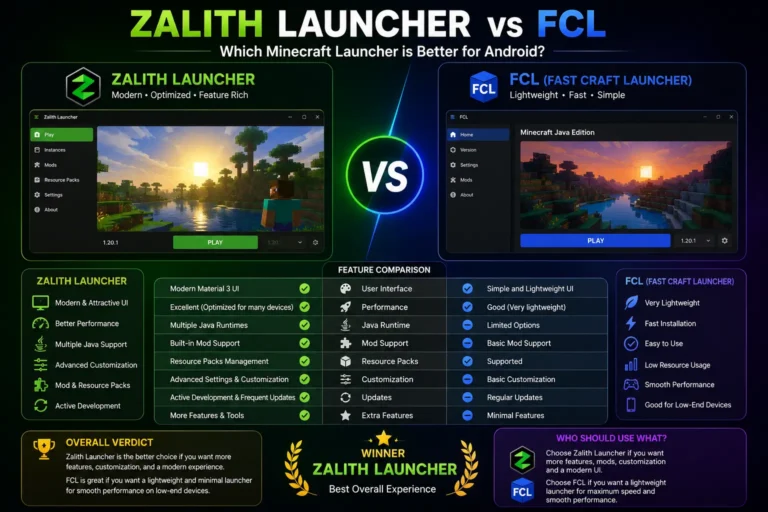
| Mod / Shader Support | ✅ Full (Forge, Fabric, Iris) | ⚠️ Limited |
| Risk of Malware (official build) | ✅ Very Low | ✅ Very Low |
| Data Privacy | ✅ No data collected | ⚠️ Microsoft data practices apply |
| Legal Status (with paid account) | ✅ Legal | ✅ Legal |
| Automatic Updates | ⚠️ Manual (GitHub releases) | ✅ Automatic |
| Access to Official Servers | ✅ Yes (with real account) | ✅ Yes |
Real Risks You Should Know About
Even though the official Zalith Launcher is safe, there are genuine risks in the broader ecosystem that every user must understand:
How to Stay 100% Safe Using Zalith Launcher
- 1
Only Download from GitHub or zalithlauncher.cn
Always get your APK from the official GitHub releases page at github.com/ZalithLauncher/ZalithLauncher2 or the official website. Never use the .com domain, random APK sites, or social media links.
- 2
Enable Two-Factor Authentication on Your Microsoft Account
Before logging into any third-party launcher, enable 2FA on your Microsoft account. Even if credentials are somehow exposed, 2FA prevents unauthorized access.
- 3
Verify the APK File (SHA256 Hash Check)
On GitHub, official releases include a SHA256 checksum. Use a hash checker app on Android to verify the file matches before installing. This confirms the APK has not been tampered with.
- 4
Always Log In with a Legitimate Account
Never play in offline/cracked mode. Login using your real Microsoft account — this is required for access to official multiplayer servers and ensures you are within Mojang’s Terms of Service.
- 5
Keep Zalith Updated
Regularly check GitHub for new releases. Outdated versions may have security vulnerabilities or compatibility issues with newer Minecraft versions. Updates are how the community fixes bugs and security issues.
- 6
Use a Trusted Antivirus Before Installing Any APK
Scan any APK with a trusted antivirus app (such as Malwarebytes for Android) before installing, especially if you’re downloading from any source outside the official GitHub releases page.
Can You Play on Official Servers With Zalith Launcher?
Community Servers — Yes
You can join virtually any Minecraft Java Edition server using Zalith Launcher, including Hypixel, Mineplex, and thousands of community servers, with a valid paid account.
Multiplayer Protocol — Standard
Zalith uses the standard Minecraft Java Edition multiplayer protocol. Servers see it as a regular Java client — there is no special flagging for using Zalith.
Anti-Cheat — Some Caution
Performance inconsistencies on mobile may occasionally trigger anti-cheat warnings on strict servers like Hypixel. This is not a ban risk but can cause disconnects.
Cracked/Offline Accounts — Banned
If you attempt to join official servers without a paid account using offline mode, you will be blocked. This is enforced by Mojang’s authentication servers.
Frequently Asked Questions
Conclusion
✅ Final Verdict: Zalith Launcher Is Safe and Legal 🎮
Zalith Launcher is a trusted, open-source tool that brings Minecraft Java Edition to Android. When used correctly — downloaded from official sources and with a legitimate account — it is both safe and fully legal under Mojang’s Terms of Service.
- Download only from github.com/ZalithLauncher or zalithlauncher.cn
- Enable 2FA on your Microsoft account before logging in
- Always use a paid, legitimate Minecraft account
- Avoid zalithlauncher.com — it is a fake clone site
- Keep the launcher updated via GitHub releases