Zalith Launcher Zink Renderer Guide 2026 Improve FPS And Fix Lag In Minecraft Android
Minecraft Java Edition on Android is becoming more popular every day and many players now use custom launchers to improve gameplay performance. One of the most discussed features among Minecraft Android users is the Zink Renderer in Zalith Launcher. Players who experience lag FPS drops crashes or graphics issues often search for better rendering options to make the game smoother and more stable.
Zalith Launcher is widely used because it gives players more control over Minecraft Java Edition on Android devices. It supports different game versions advanced settings custom renderers and performance optimizations. Among all these features Zink Renderer has become one of the most useful options for players who want better FPS and smoother gameplay. Many users with low end and mid range Android devices face problems while running Minecraft Java Edition. The game may feel slow textures may not load correctly or the game may crash during gameplay. Zink Renderer helps improve compatibility and can reduce these issues on supported devices.
What Is Zink Renderer In Zalith Launcher
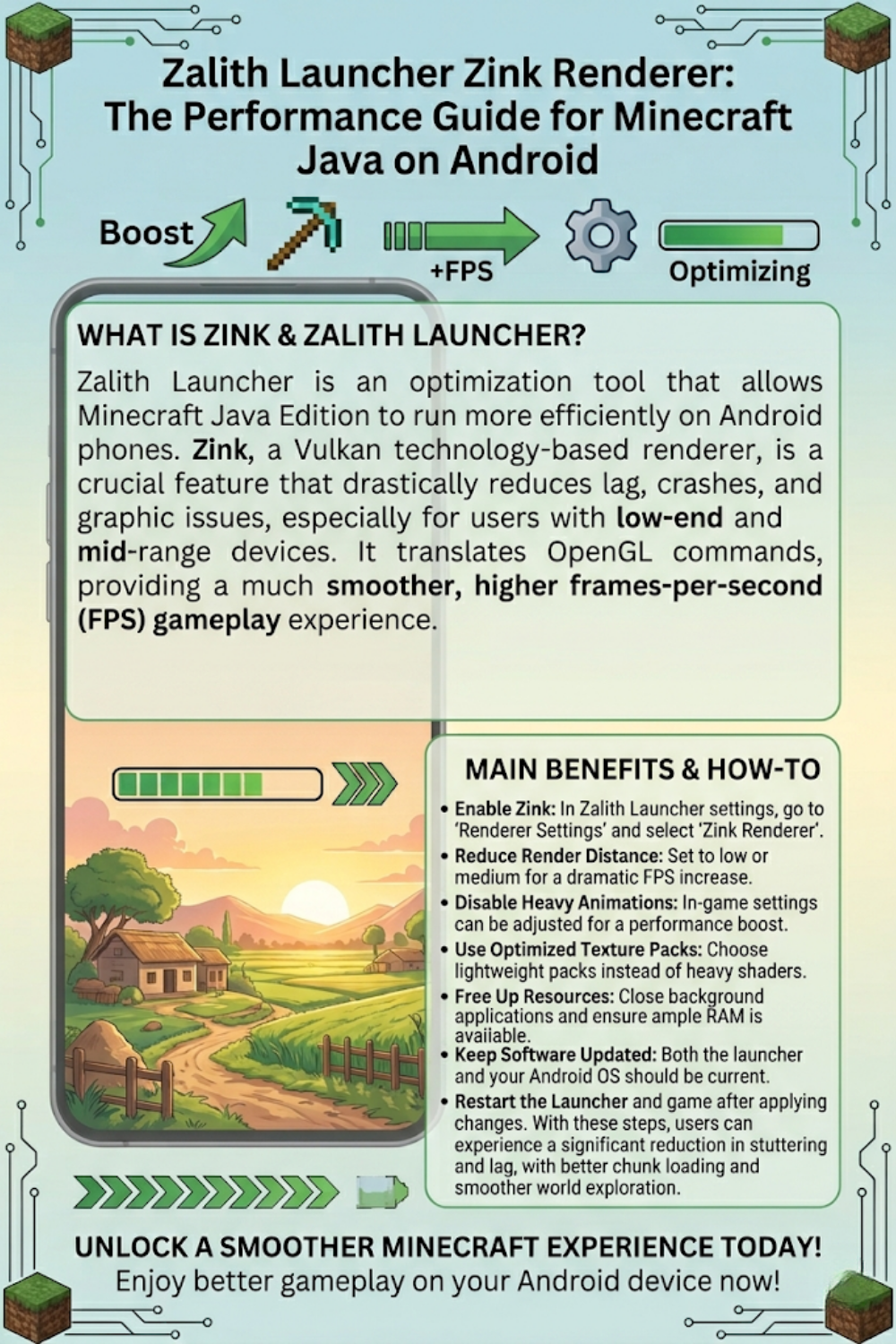
Zink Renderer is a graphics rendering system based on Vulkan technology. It works by translating OpenGL commands into Vulkan which allows some devices to handle graphics more efficiently. In simple words it helps Minecraft run more smoothly and improves rendering performance on compatible Android phones.
Minecraft Java Edition requires good graphics optimization especially on mobile devices. Normal rendering methods sometimes create lag and stability issues but Zink can provide a better experience for many users.
Why Players Use Zink Renderer
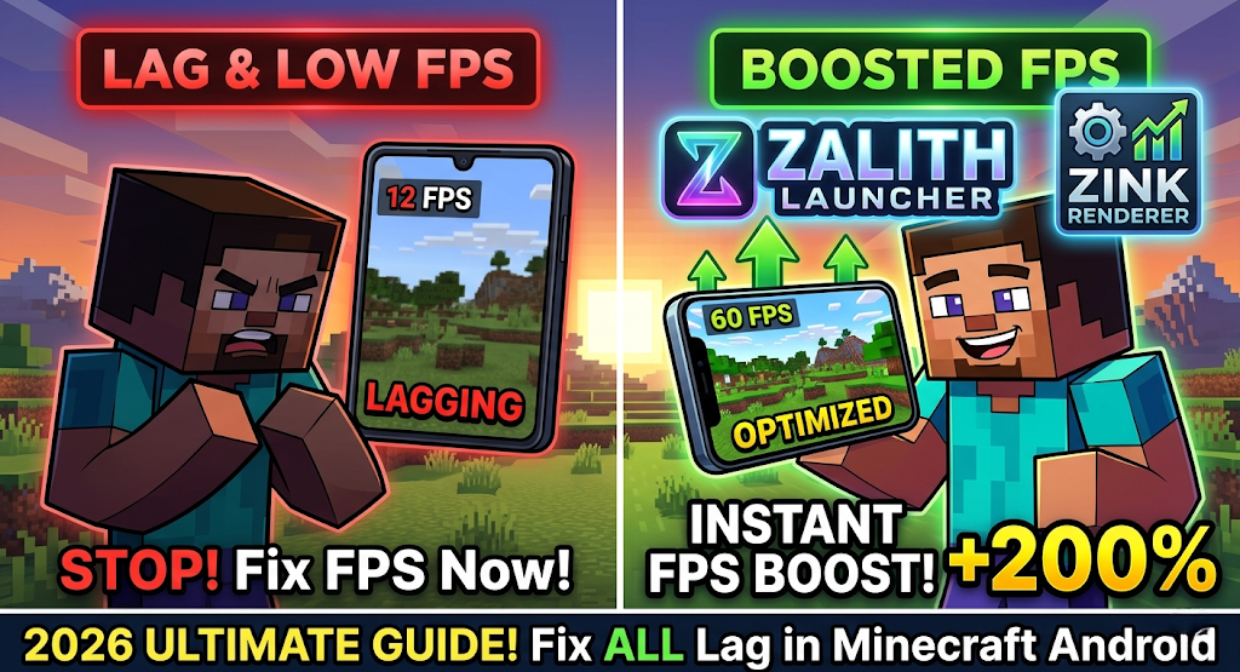
Many Minecraft players switch to Zink Renderer because it can improve overall game performance. It is especially useful for players who face constant lag or low FPS during gameplay.
Common Problems Faced By Players
Zink Renderer can help reduce many of these problems and make Minecraft more playable on Android devices.
Main Benefits Of Zink Renderer
Zink Renderer improves graphics compatibility by translating OpenGL commands into Vulkan, helping applications run smoothly on modern systems. It offers better performance, enhanced stability, and broader hardware support, making rendering more efficient and reliable across different platforms.
| Feature | Benefit |
|---|---|
| Better FPS | Smoother gameplay experience |
| Vulkan Support | Improved graphics handling |
| Reduced Lag | Better stability during gameplay |
| Faster Rendering | Cleaner visuals and smoother movement |
| Better Compatibility | Useful for many Android devices |
| Improved Stability | Less crashing and freezing |
Many users notice better performance immediately after enabling Zink settings inside Zalith Launcher.
How To Enable Zink Renderer In Zalith Launcher
Enabling Zink Renderer is easy and does not require technical knowledge. Follow these steps carefully:
- Install the latest version of Zalith Launcher
- Open the launcher on your Android device
- Go to Settings
- Open Renderer Settings
- Select Zink Renderer
- Save the changes
- Restart the launcher
- Launch Minecraft Java Edition
After enabling Zink you may notice smoother gameplay and better FPS depending on your device hardware.
Best Zink Settings For Better FPS
Using the correct settings is very important if you want maximum performance. Many players only enable Zink but ignore optimization settings that can improve gameplay even more.
Recommended Settings
These small optimizations can greatly improve gameplay performance on Android devices.
Which Devices Support Zink Renderer
Zink Renderer works best on devices that support Vulkan graphics APIs. Most modern Android devices already support Vulkan but results can vary depending on hardware and software optimization.
Devices That Usually Perform Well
Older devices may still run Minecraft using Zink but performance improvements may be smaller.
Read More: Modpacks and Add-Ons for Minecraft Java Edition: Complete Guide
Common Zink Problems And Their Fixes
Sometimes users may still face problems after enabling Zink Renderer. Most issues can be fixed easily by adjusting settings.
Minecraft Crashing
Lower graphics settings and restart the launcher.
Black Screen Problem
Switch renderer settings and relaunch the game.
Low FPS After Enabling Zink
Reduce render distance and disable heavy shaders.
Launcher Not Opening
Clear app cache and reinstall the launcher.
Texture Issues
Use default textures or lightweight resource packs.
These fixes solve most common issues experienced by Minecraft Android players.
Why Zalith Launcher Is Becoming Popular
Minecraft fans prefer Zalith Launcher because it offers features that many normal launchers do not provide. It gives users better customization and more control over Minecraft Java Edition.
Popular Features Of Zalith Launcher
Because of these features more Android gamers are switching to Zalith Launcher for daily Minecraft gameplay.
Is Zink Better Than Other Renderers
For many Android devices Zink performs better because Vulkan handles graphics more efficiently than older rendering systems. Some players experience higher FPS while others mainly notice better game stability and reduced crashing.
Performance depends on several factors such as:
Testing different settings is the best way to find the perfect setup for your device.
Final Words
Zalith Launcher Zink Renderer is one of the best solutions for Minecraft Java Edition players who want smoother gameplay better FPS and reduced lag on Android devices. It improves rendering performance helps reduce crashes and provides better stability during gameplay.
Players using low end or mid range devices can especially benefit from proper Zink optimization settings. If your Minecraft game feels slow unstable or laggy then enabling Zink Renderer inside Zalith Launcher may greatly improve your experience.
FAQs
This guide makes fixing problems simpler for the whole team.